
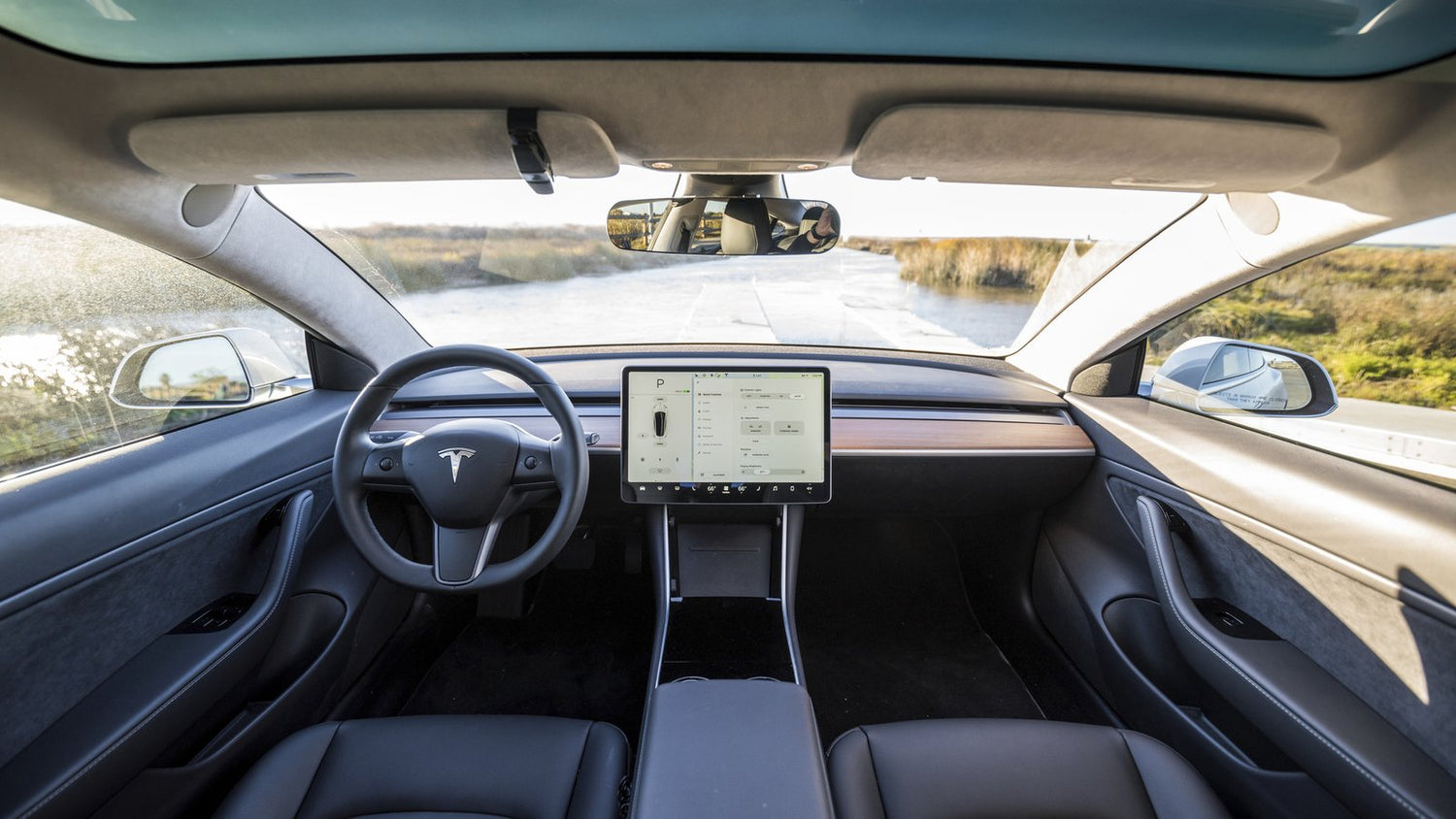
Tesla Model 3 & Model Y Ambient Lighting Upgrade Guide
Tesla's minimalist interior is a perfect canvas for ambient lighting. This guide covers interior RGBIC strip installation, underglow setup, and starlight headliner fitting for Model 3 and Model Y owners.
✅ Universal fit: every NIGHTGLOWE kit works on any make and model, including Tesla.
Shop the Ambient Lighting Kit, read the dedicated Tesla Model 3 & Model Y lighting guide, follow the step-by-step install guide, or find the right kit for your Tesla in 30 seconds.

Interior RGBIC Strip Install
The Model 3 and Y have natural channels along the footwell and door cards that make routing LED strips clean and invisible. Start at the driver footwell: peel back the kick panel trim (it pops off with gentle pressure) and run the strip along the back edge. Secure with the supplied 3M tape and route the power cable up through the A-pillar gap to the 12V USB adapter behind the glovebox.

Dashboard Ambient Strip
Tesla's dashboard has a lip channel running its full width, ideal for a diffused RGBIC strip. Use the milky-white diffuser sleeve included in your NIGHTGLOWE kit to spread the light evenly. The glovebox 12V port powers this run cleanly without any permanent wiring.
RGBIC Underglow Setup
For exterior underglow, route the 4-zone controller behind the rear seat through to the trunk. Tesla's battery pack sits low but leaves adequate clearance for mounting the LED strips on the rocker panels and front/rear bumpers using heavy-duty outdoor 3M tape. Connect to the 12V port in the trunk.

Running underglow on the street? Check the rules first: underglow laws in all 50 states.
Tesla-Specific Tips
- Avoid drilling or tapping into Tesla's high-voltage battery system: only use the 12V accessory circuits
- The Model Y has deeper door pockets, giving you more options for hidden strip placement
- Tesla's white interior option: use warm white or soft blue for best contrast
- Sentry Mode compatibility: lights automatically turn off when the car is in Sentry Mode
Shop NIGHTGLOWE kits for your Tesla:
- Interior Ambient Lighting Kit, from $129.99
- Sequential Underglow Kit, from $99.99
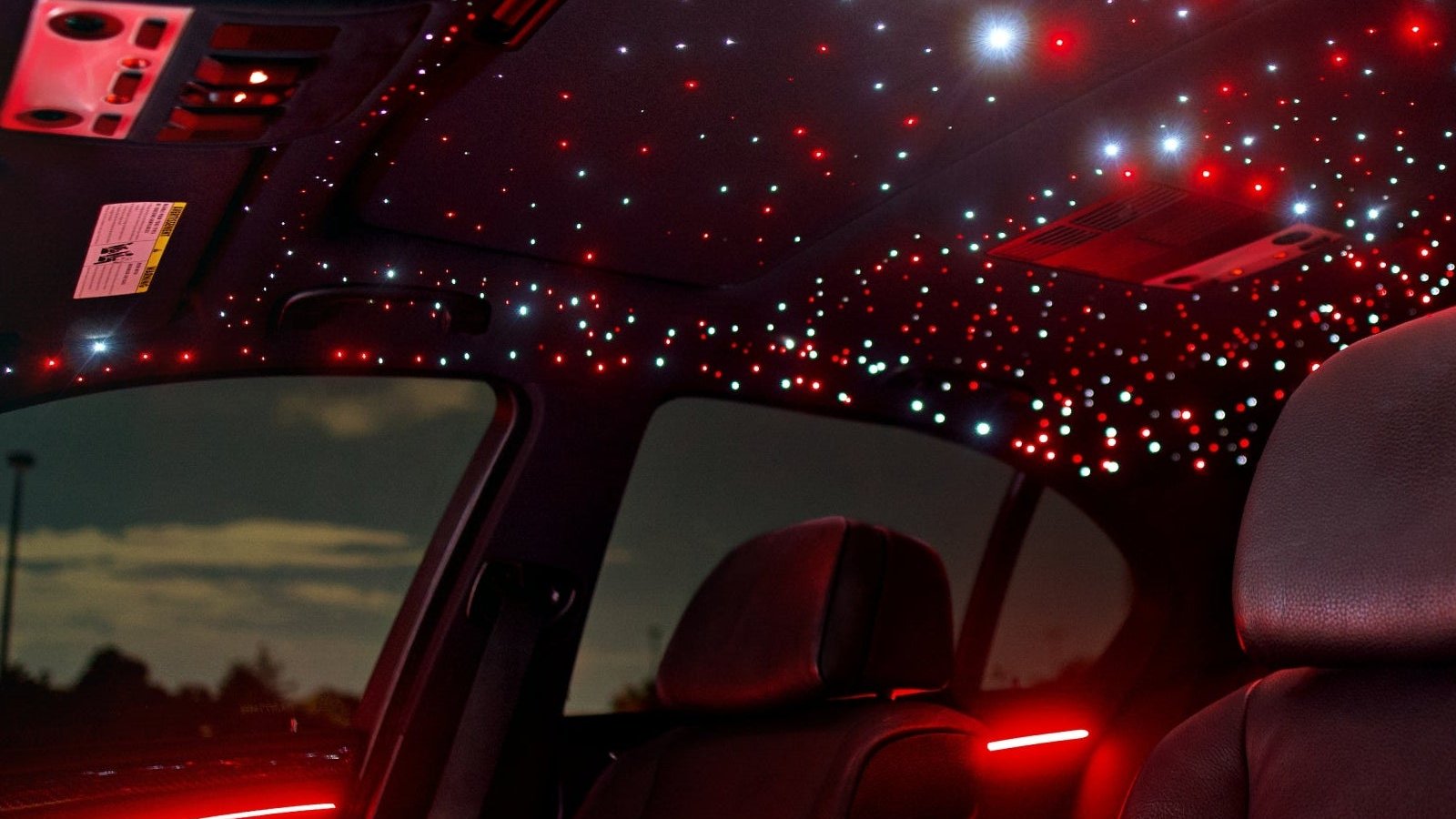
- Starlight Headliner Kit, from $339.99
- GalaxyDrive Bundle™ (Starlight + Ambient), from $399, best value if doing both
Not sure which kit fits your plans? Use the kit finder or browse all Tesla lighting options.
Header photo: "Interior of Model 3" by Leo Nguyen, CC BY-SA 4.0, via Wikimedia Commons (cropped).


Leave a comment
This site is protected by hCaptcha and the hCaptcha Privacy Policy and Terms of Service apply.